Potential inputs
- Budgets and enrollment goals
- Approved mappings and reference tables
- Historical reporting inputs
- Structured source records or exports
 PENNANT
Structured data source integration
Use governed structured inputs for budgets, goals, mappings, or reporting sources that are not available through a direct connection.
Available for approved, consistently structured sheets that meet the agreed reporting purpose and refresh process.
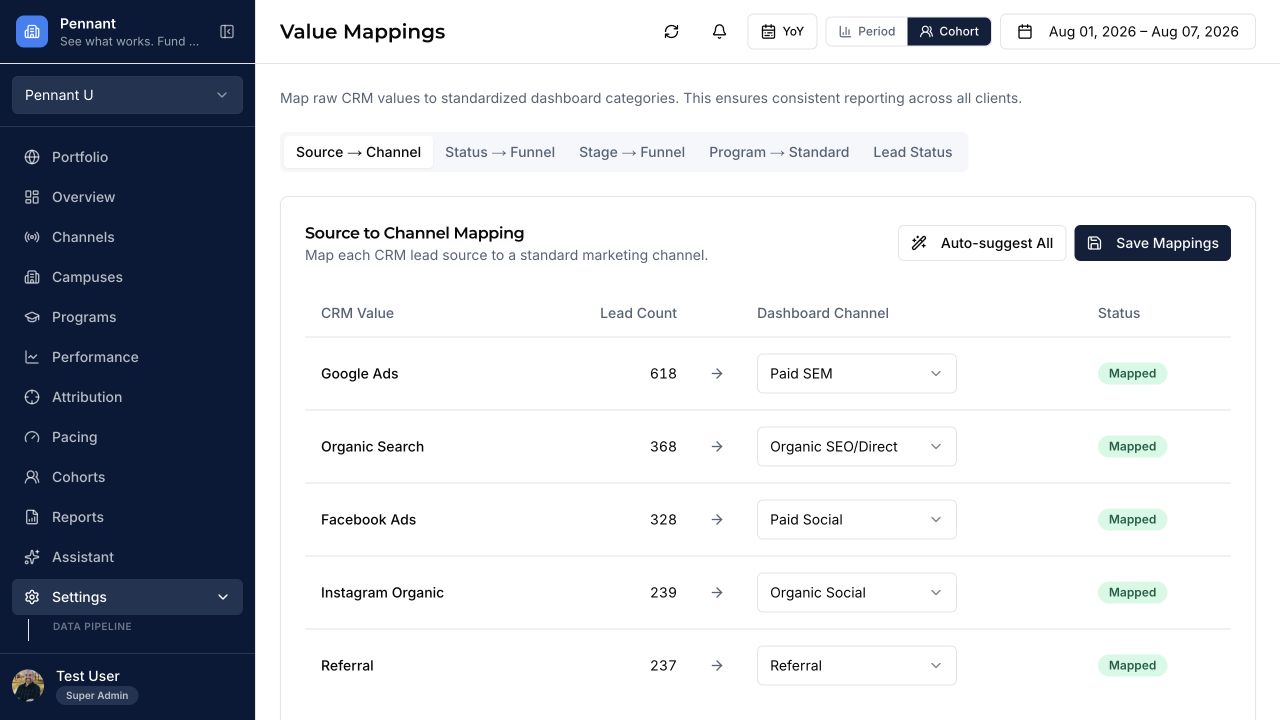
Source-specific reporting
Every implementation confirms access, definitions, historical depth, refresh cadence, and validation before the source becomes part of a decision view.
What to validate
Pennant preserves the distinction between platform signals, reporting inputs, and institution-confirmed enrollment outcomes.
Integration FAQ
Not usually. It is a practical governed source when direct access is unavailable or when budgets, goals, mappings, and reference data are intentionally maintained in a sheet.
Implementation should define required columns, formats, owners, validation checks, and exception handling. Unsupported changes remain visible rather than being silently accepted.
Learn more about source mapping and validation, data reconciliation, and Pennant security and data minimization.
Confirm the fit
Available capabilities depend on your configuration, permissions, data quality, and agreed implementation scope.
Book a demo