Potential inputs
- Pseudonymous record IDs
- Lead, application, and enrollment stages
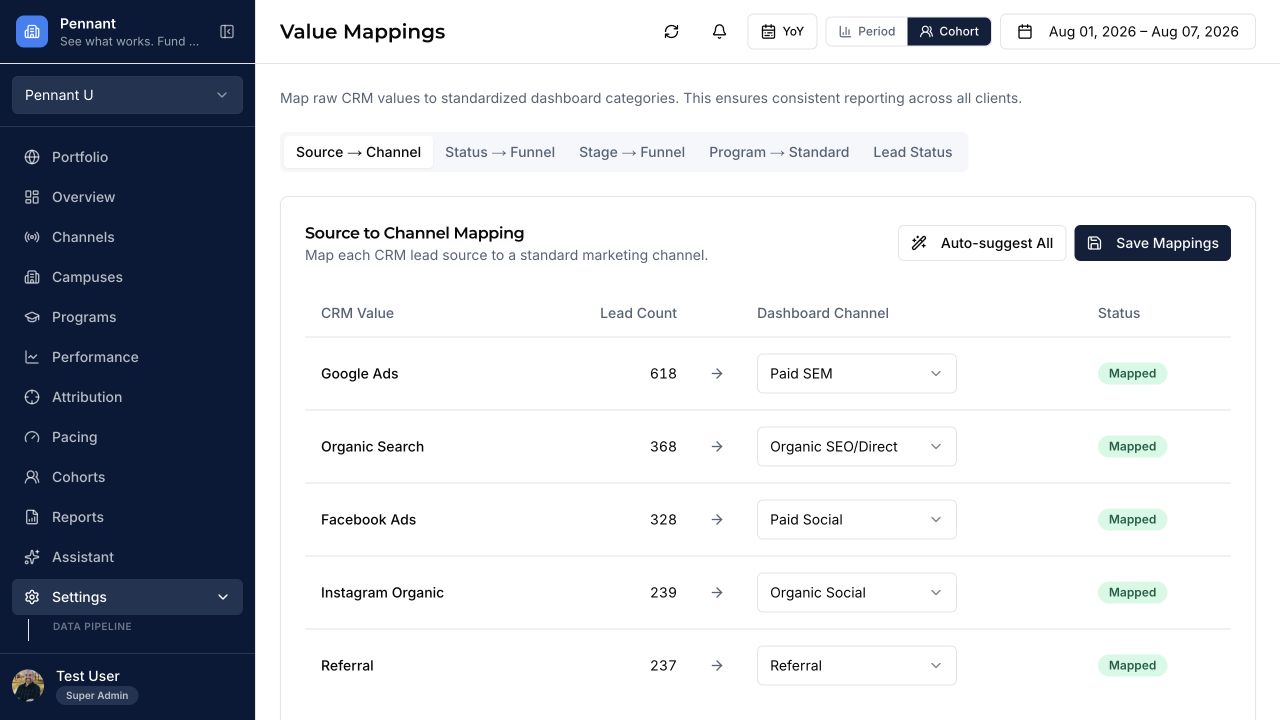
- Source, campus, and program fields
- Stage dates and status history
 PENNANT
CRM integration
Connect agreed lead, application, enrollment, source, campus, and program fields to the Pennant reporting model.
Available when the institution can provide approved Salesforce access, fields, definitions, and historical coverage.
Source-specific reporting
Every implementation confirms access, definitions, historical depth, refresh cadence, and validation before the source becomes part of a decision view.
What to validate
Pennant preserves the distinction between platform signals, reporting inputs, and institution-confirmed enrollment outcomes.
Integration FAQ
No. Salesforce remains the CRM and system of record. Pennant uses agreed fields to provide a normalized enrollment marketing decision layer.
Potentially. Custom objects and relationships are reviewed during implementation to confirm access, meaning, coverage, and reporting value.
Learn more about source mapping and validation, data reconciliation, and Pennant security and data minimization.
Confirm the fit
Available capabilities depend on your configuration, permissions, data quality, and agreed implementation scope.
Book a demo